This semester at the university, we had a Graphics Processing Systems class. While old fixed-function OpenGl was used in courses and laboratory works, for the project, I chose to use my favorite graphics API in the whole world. Yup, you know what I'm talking about... the XNA Framework.
A few of my friends also got dragged into XNA, based on my two years of talking about how cool it is. Neither of them had any previous XNA experience, so I guided them to some tutorials and the creator's club site and let them experience it from there. Also, popular request from them sparked the idea of an easy to use shadows library.
Godswood
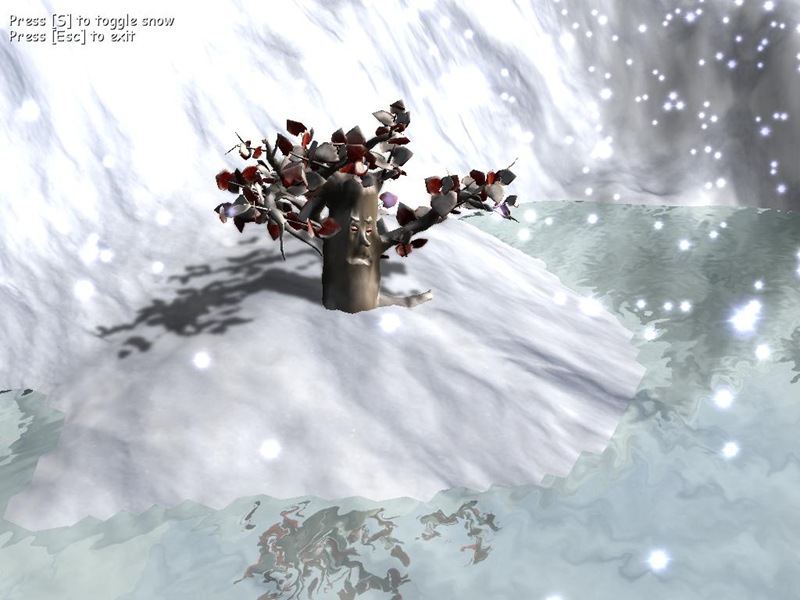
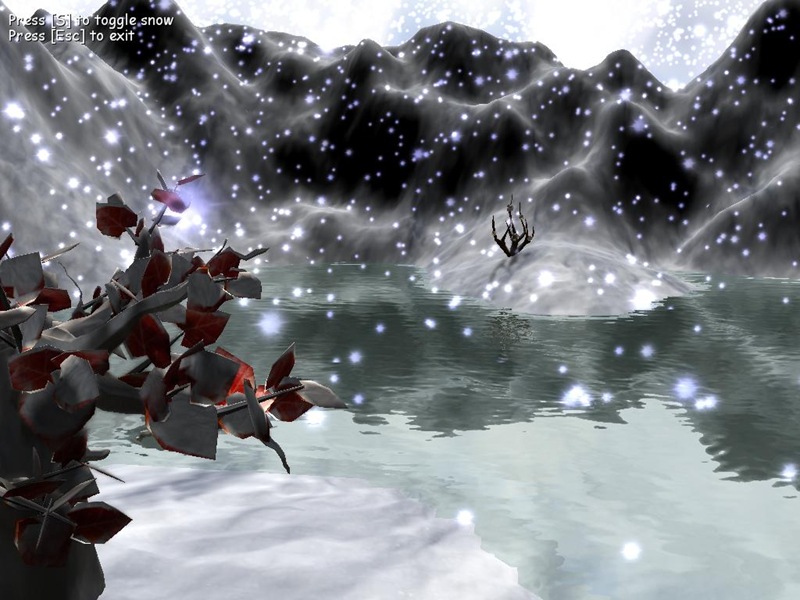
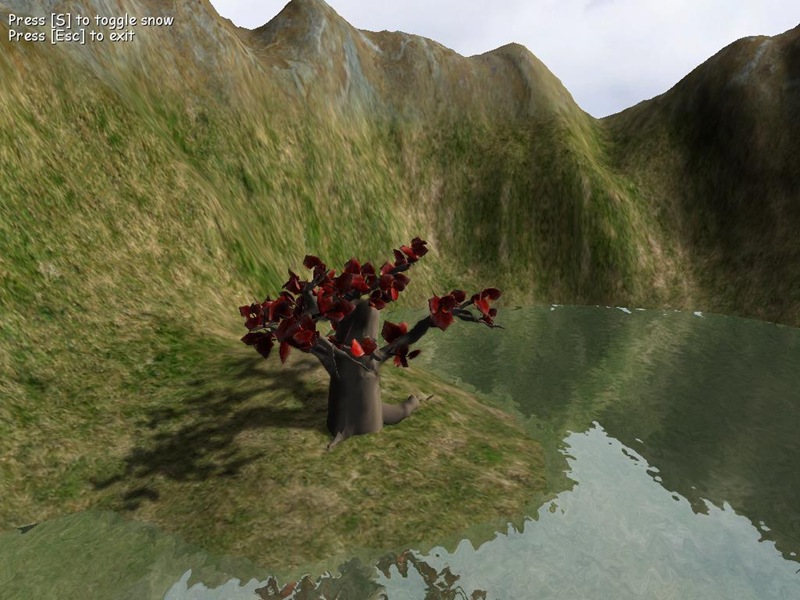
From all the projects I've seen made, the one that I am most proud of is that of my beloved iubi-pufi-honey-bunny (read fiancee), Lidia. She made a great tree model inspired by George R. R. Martin's works, all from scratch, and placed some mountains and water around it. After adding some falling snow, she decided to make the snow accumulate on the ground and trees, and came up with the idea to do some simple shader tricks and blend in the snow texture based on the time passed since the snow began to fall. The result looks very nice. Check it out for yourself, by downloading the binaries. (control the camera with directional keys and mouse, use [S] to toggle snow)
Island in the Ocean
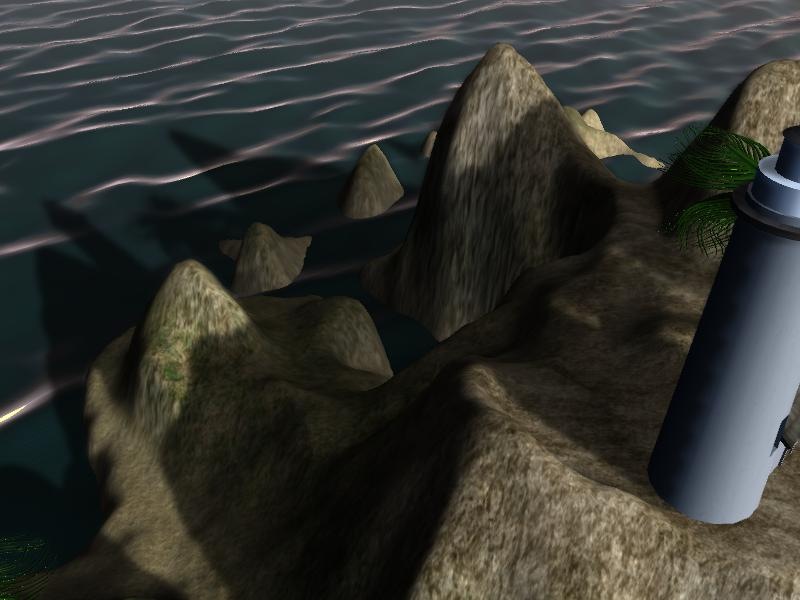
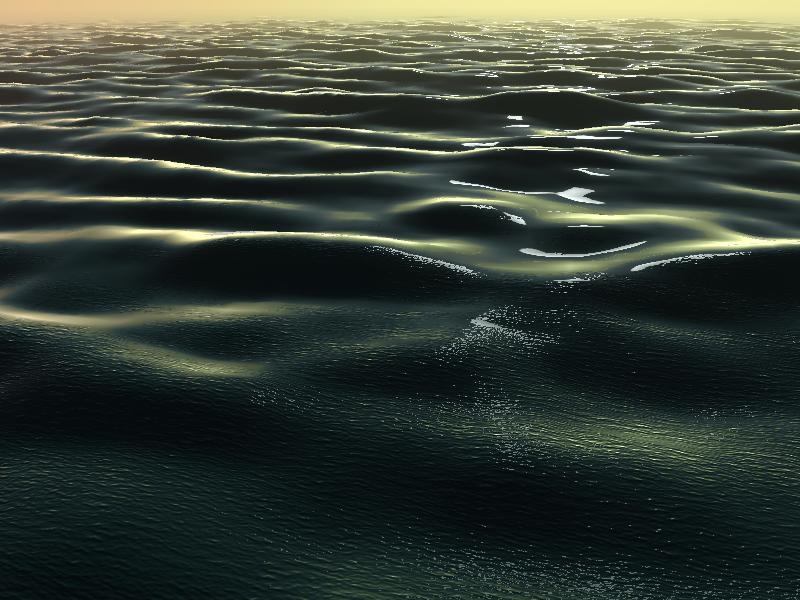
For my project, I decided to try and implement Atmospheric Scattering and realistic water rendering. For atmospheric scattering, I learned from Javier Canton Ferrero's sample. For realistic water rendering, I read, studied and converted to XNA Yuri Kryachko's article from GPU Gems 2, "Using Vertex Texture Displacement for Realistic Water Rendering". My palm trees were modeled by Lidia.
You can see the results below, and download the binaries here.
Use the gamepad, or keyboard+mouse for camera control. [Space] pauses the simulation, and [S] speeds it up.
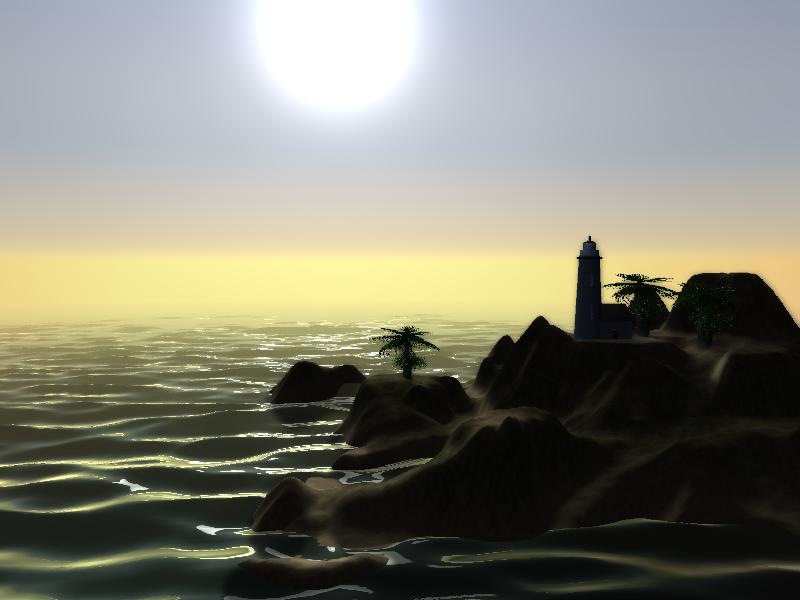
Very nice! I like the shader you've got on that water - classy =)
Does that water run on the Xbox? Does it run well if so?
I also liked the accumulation of the snow - simple, but very powerful.
I didn't actually try running the water on the Xbox, but there should be no problem. It uses Vertex Texture Fetch, which I know works just fine on the Xbox.
Godswood - Seems to me shadows are facing towards the lighting ?
Could be me that is wrong, or its intentional, dunno :)
I can't see anything wrong with the shadow's direction. It matched the light direction both in code and in the images.
Any chance to port to XNA 3.0 CTP ?
I do not have XNA GS 2.0 Installed.
Sorry... I don't have time right now to do the 3.0 port for my project.
I think you can install the 2.0 runtime, and they'll work.
Wow... Can you give some info about water and LOD system ?
The water technique is based on this article, which explains it pretty well:
http://http.download.nvidia.com/developer/GPU_Gems_2/GPU_Gems2_ch18.pdf
Also, you can download their original sample, with source code here:
http://http.download.nvidia.com/developer/GPU_Gems_2/CD/Content/18.zip
Hi Catalin,
i can't get the Godswood app to run... what SM version does the app require? what xna runtime version? I've installed the XNA 2.0 runtime, the gc supports SM2.0.
You need SM 3.0 for the Godswood, because it uses Vertex Textures for the snow.
Since my last post i had the possibity to try to run the demo on other systems. Turns out that it didn't even run on SM 4.0 hardware (in fact, it didn't start on *any* system i tried to run it). It's always the same: "FileNotFoundException". What file was missing it wouldn't tell, though....
That's odd.. I tried running it on several machines, with various cards, ranging from GeForce 6600, 7300, 8600 and 8800, and I encountered no problem.
Do other XNA apps run on the other systems?
Looks great!
Any chance you will provide source code of both demos?
Sorry, I won't provide the source code for these demos, since it's not very tidy :)
thanks~
Hi there,
I've downloaded this file (http://http.download.nvidia.com/developer/GPU_Gems_2/CD/Content/18.zip), but it's not working with xna 3.1 I think. Any help? Thanks
No, the stuff on NVIDIA site are native DirectX. But the code is not that hard to read and then port to XNA.